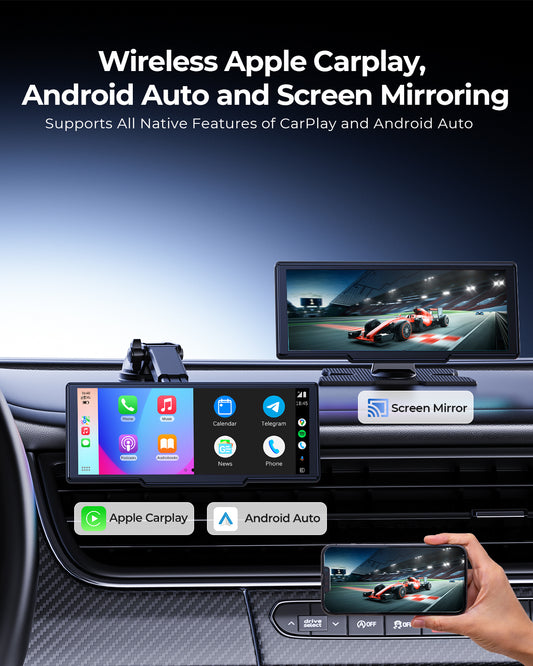
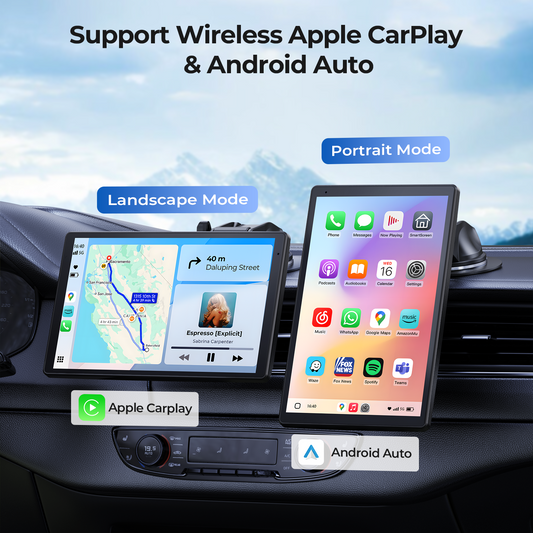
Solution for Android Auto disconnection issues experienced by users with Android 16 smartphones
Must Read:
For the following models: RC06, RC07, RC11, RC04 — if your phone is an Android device and you are planning to update, or have already updated to Android 16, you may experience compatibility issues with Android Auto connection when using our products.
Please rest assured, our products support OTA updates. After updating to the latest firmware, this issue can be fully resolved. The OTA steps are as follows:
1. Download the latest “Evelink” app from the Google Play Store.
2. Power on the device and enter “Superlink - Android” mode. Use the “Evelink” app downloaded from the Google Play Store to connect via Wi-Fi for screen mirroring.
3. After successful mirroring, your phone will display “Android 16 Auto Connect issue Fixed,” indicating that the Android Auto disconnection issue has been successfully resolved.



 Sold out